Best King Size Mattress Options in the UK
- Nyheter
Compare UK king size mattresses from IKEA, Emma and Simba by price, construction and size, with practical advice on foam, springs and hybrids.


The best Windows operating system laptop depends on your budget, screen preference and workload. For most buyers, a Windows 11 laptop with 16GB of RAM and a 512GB SSD offers a sensible balance of everyday performance and storage. The picks below cover budget computing, productivity, portability, touchscreen flexibility and gaming.
Prices were checked on 8 September 2026 and can change with promotions, stock and retailer membership.
| Pick | Best for | Key specification | Listed price |
|---|---|---|---|
| Lenovo Yoga Slim 7 Aura Edition 14-inch | Best value | Intel Core Ultra 5, 16GB RAM, 512GB SSD, OLED | £599 at Currys |
| ASUS Vivobook 15 | Budget everyday use | Intel Core 5 120U, 16GB RAM, 512GB SSD, Windows 11 Home | £429 at AO |
| HP OmniBook 5 16-inch | Large-screen productivity | AMD Ryzen 5 8540U, 8GB RAM, 512GB SSD, 2K IPS | £599 at AO |
| Microsoft Surface Laptop 13.8-inch | Premium portability | Snapdragon X Elite, 16GB RAM, 512GB SSD, Quad HD+ touchscreen | £999 at Currys |
| Lenovo Yoga 7i Aura Edition 16-inch | Touchscreen 2-in-1 | Intel Core Ultra 7, 16GB RAM, 512GB storage, Full HD OLED touchscreen | £799 at Currys |
| ASUS TUF Gaming A16 | Windows gaming | AMD Ryzen 7 7445HS, 8GB RAM, 512GB SSD, RTX 4050, Windows 11 Home | £879 at AO |
The ASUS Vivobook 15 is the clearest low-cost choice in this selection because its AO listing combines 16GB of RAM, a 512GB SSD and Windows 11 Home for £429. AO lists an RRP of £599 and a member price of £386. This is a practical configuration for browsing, office work, study and streaming.
For a larger display, the HP OmniBook 5 has 8GB of RAM, a 512GB SSD and a 2K IPS screen for £599, or £589 for AO members. The AO HP OmniBook 5 listing identifies Windows 11 Home and its AMD Ryzen 5 8540U processor.
If display quality and portability matter more, the Lenovo Yoga Slim 7 Aura Edition is listed by Currys at £599, reduced from £899. It has an OLED display, 16GB of RAM and a 512GB SSD. These specifications make it a stronger value proposition than a basic laptop when you want a sharper, more vivid screen and higher memory capacity.
Currys lists 309 products in its Windows laptop category, including 117 Copilot+ PCs, 78 touchscreen laptops, 72 OLED laptops and 56 2-in-1 laptops. The range includes ASUS, HP, Acer, Lenovo, Microsoft, Samsung, MSI, LG, Dell and PCSpecialist. Use the Currys Windows laptop category to filter by screen type, form factor and price.
Three Currys options stand out for different buyers:
Currys also lists a Lenovo Yoga Slim 7 with Snapdragon X2 Plus, 16GB RAM, 512GB SSD and OLED display at £799. Its listed battery claim is up to 30 hours. Treat retailer battery claims as estimates rather than independent test results.
The Microsoft Surface Laptop 13.8-inch listed by Currys is a premium Windows laptop with a Snapdragon X Elite processor, 16GB of RAM, a 512GB SSD and a Quad HD+ touchscreen. At £999, it is aimed at buyers who want a compact Microsoft laptop with a high-resolution display and premium positioning.
Windows 11 Home is the right edition for most home users, students and everyday buyers. It is the standard consumer version found on many current retail laptops, including the ASUS Vivobook 15 and ASUS TUF Gaming A16 in the table above.
Windows 11 Pro is for buyers who need professional security, administration or business-management features. It is not automatically faster than Home. Choose Pro when a specific work requirement calls for it; otherwise, prioritise the laptop’s processor, RAM, storage, display and build.
New laptops should meet Windows 11’s hardware requirements, which cover supported processors, memory, storage, firmware, TPM and graphics. TPM is a security component used by Windows to support hardware-based protection. Check the manufacturer’s specification rather than assuming an older computer can be upgraded.
Intel and AMD laptops remain straightforward choices for general Windows software, study and office work. Snapdragon models use a different processor architecture and can be attractive for portability and battery claims, but specialist software, drivers and accessories may have different compatibility requirements on the platform.
Retailers use the Copilot+ PC label on selected Windows laptops. In the Currys category, 117 products carry that label. Compare the actual processor, RAM, SSD, screen and software requirements rather than choosing solely from the label.
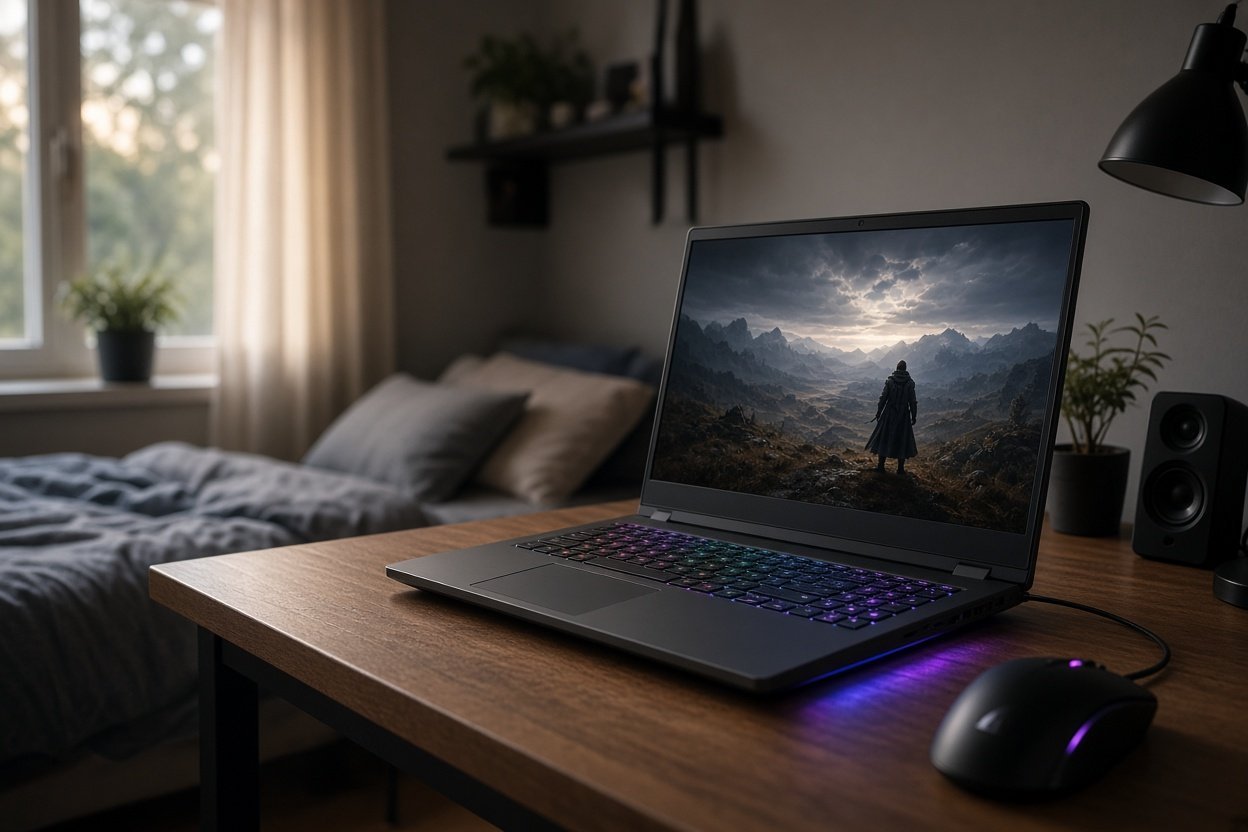
For flexible use, a 2-in-1 converts between laptop and tablet-style positions. The Lenovo Yoga 7i has a touchscreen and 16-inch OLED display. For gaming, the ASUS TUF Gaming A16 is the most suitable pick here because its specification includes dedicated RTX 4050 graphics, a Ryzen 7 processor and Windows 11 Home. It has 8GB of RAM, so check whether that meets the requirements of your games and applications.
Windows laptops are made by Lenovo, HP, Dell, ASUS, Acer, Microsoft, Samsung, MSI, LG and PCSpecialist. They include conventional clamshell laptops, ultraportables, 2-in-1 convertibles, tablet-style PCs, gaming laptops and workstations. Most current new retail models use Windows 11 Home or Windows 11 Pro.
Windows 11 Home is best for most home users, students and everyday buyers. Windows 11 Pro is the better choice when you need professional security, administration or business-management features. The edition does not decide overall speed by itself; the laptop’s processor, memory and storage also matter.
The claim is too broad: people are buying Windows 11 laptops. Some owners delay upgrading because an older PC may not meet the required hardware, they are satisfied with their existing system or they dislike interface changes. Microsoft specifies requirements covering supported processors, memory, storage, firmware, TPM and graphics.
There is no single best model for every buyer. The strongest UK-listed choices here vary by use: ASUS Vivobook 15 for budget buying, Lenovo Yoga Slim 7 for value, Surface Laptop for premium portability, Lenovo Yoga 7i for touchscreen flexibility and ASUS TUF Gaming A16 for gaming.