Best King Size Bed and Mattress Sets UK
- Nyheter
Compare IKEA king size bed and mattress combinations, storage beds, frame-only options, prices and cheaper alternatives in the UK.

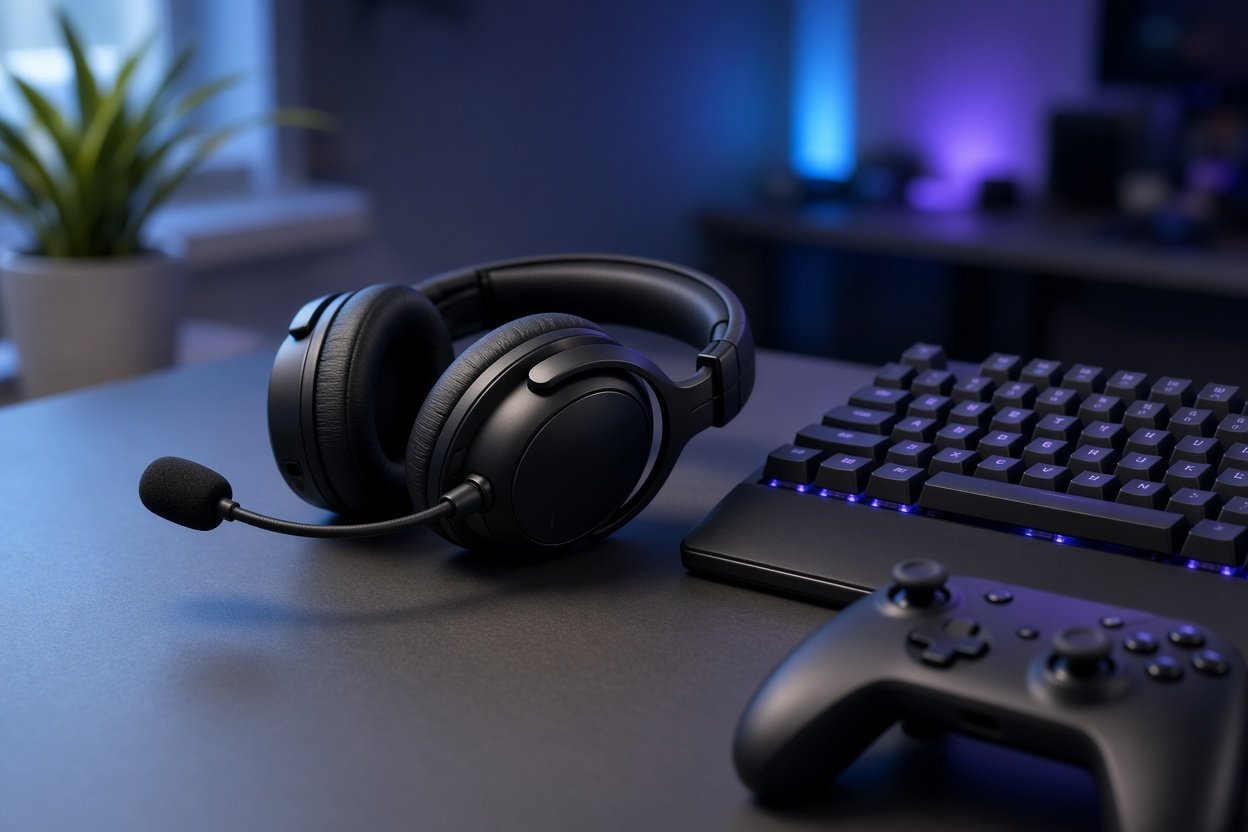

The best gaming headphones depend on your platform, budget and whether you prioritise sound, battery life, microphone quality or simple compatibility. For most buyers, a wireless over-ear gaming headset with a built-in microphone is the most practical choice.
The strongest options here cover budget, mid-range and premium use, with models for PC, PlayStation, Xbox and multi-platform setups. Audeze Maxwell 2 is the premium audio choice, HyperX Cloud III S Wireless offers particularly long battery life, and Razer provides both high-end wireless and low-cost wired options.
| Model | Best for | Key compatibility or connection |
|---|---|---|
| Audeze Maxwell 2 | Premium sound | Separate PlayStation/PC/Mac/Mobile and Xbox/PC/Mac/Mobile versions |
| Razer BlackShark V3 Pro | Wireless multi-device gaming | PlayStation, Switch, PC and Mac; 2.4 GHz, Bluetooth, USB and 3.5 mm |
| Logitech PRO X 2 LIGHTSPEED | PC and PlayStation | PC, PS5 and PS4; 2.4 GHz, Bluetooth, USB and 3.5 mm |
| HyperX Cloud III S Wireless | Long battery life | PC, Mac, PS5, mobile and Switch; 2.4 GHz and Bluetooth |
| SteelSeries Arctis Nova 5 Wireless | Flexible mid-range use | PC, PS4, PS5 and Switch; 2.4 GHz, Bluetooth, USB and 3.5 mm |
| Razer BlackShark V3 Wireless | Wireless Razer headset | PC, Mac, PS4, PS5 and mobile; 2.4 GHz, Bluetooth and USB |
| Razer Kraken X Lite | Low-cost wired gaming | 3.5 mm connection, virtual surround and noise-reducing microphone |
Choose the headset by platform first. Compatibility is more important than a longer feature list if the wireless connection does not work with your system.
| Platform | Strong options | What to check before buying |
|---|---|---|
| PC | Audeze Maxwell 2, Logitech PRO X 2, HyperX Cloud III S, Razer BlackShark V3 Pro | Connection type, microphone, software support and comfort |
| PS5 | Razer BlackShark V3 Pro, HyperX Cloud III S, Logitech PRO X 2, SteelSeries Arctis Nova 5 | Whether the included wireless adapter or USB connection suits your setup |
| Xbox | Xbox version of Audeze Maxwell 2 | Choose the Xbox-compatible version rather than the PlayStation version |
| Several platforms | Razer BlackShark V3 Pro, HyperX Cloud III S Wireless | Whether the available wireless and wired connections suit each device |
The Logitech PRO X 2 is listed for PC, PS5 and PS4, but Argos states that its wireless connection does not work with Xbox and that the headset is not made for Xbox. Audeze sells separate PlayStation and Xbox versions of the Maxwell 2, so those versions should be treated as different platform variants.
Wireless gaming headsets are easiest to use when they offer both 2.4 GHz wireless and Bluetooth. The former is suited to a dedicated gaming connection, while Bluetooth is useful for compatible mobile devices and general listening. A 3.5 mm cable is valuable as a fallback when a battery is empty or a platform does not support the wireless mode you want.
| Model | Wireless features | Battery claim |
|---|---|---|
| Razer BlackShark V3 Pro | 2.4 GHz, Bluetooth, USB and 3.5 mm; simultaneous 2.4 GHz and Bluetooth | Up to 70 hours |
| HyperX Cloud III S Wireless | 2.4 GHz, Bluetooth and Instant Pair | Up to 120 hours on 2.4 GHz; up to 200 hours in Bluetooth mode |
| Logitech PRO X 2 | 2.4 GHz, Bluetooth, USB and 3.5 mm | Up to 50 hours |
| SteelSeries Arctis Nova 5 Wireless | 2.4 GHz and Bluetooth |
The HyperX Cloud III S Wireless is the clearest battery-life choice in this group. HyperX gives different figures for its two wireless modes, so consider how you will use it rather than choosing on the largest number alone. The headset supports PC, Mac, PS5, mobile and Switch.
The Razer BlackShark V3 Pro is more feature-heavy: it includes hybrid active noise cancellation, THX Spatial Audio and simultaneous 2.4 GHz and Bluetooth. The manufacturer describes battery life of up to 70 hours, making it suitable for someone who wants one headset across several devices.
A complete gaming headset includes a microphone, so you do not need to buy a separate one. Look for a boom microphone that can be moved away when you are not speaking, plus a connection that works with your console or computer. Built-in microphone specifications alone do not establish which model sounds best in every room; position, background noise and software settings also affect calls.
The Razer BlackShark V3 Pro, Logitech PRO X 2 and HyperX Cloud III S Wireless all combine headphones with an integrated microphone. The Razer Kraken X Lite is a simpler wired option with a noise-reducing microphone and virtual surround.
If you already own good headphones, a model without a microphone can still be used for gaming with a separate microphone. However, a complete gaming headset is usually the simpler purchase for voice chat, particularly on consoles.
The Audeze Maxwell 2 is the premium sound choice in this shortlist. It uses 90 mm planar magnetic drivers, offers up to 80 hours of battery life and supports 24-bit/96 kHz wireless audio. Planar magnetic drivers use a thin diaphragm and magnetic force to produce sound; here, the specification is aimed at buyers who put audio quality ahead of a low purchase price.
Audeze UK lists the Maxwell 2 at £339.00. The product is available as a PlayStation/PC/Mac/Mobile version or an Xbox/PC/Mac/Mobile version. PC Gamer gives the PlayStation version a price of £339 and the Xbox version a price of £369.
The Maxwell 2 is best suited to a buyer who wants a premium headset and knows which console family they use. It is less suitable as a casual budget purchase, and the separate Xbox and PlayStation versions mean it is not the simplest choice for a household that switches between both consoles.
Razer covers two very different budgets in this guide. The BlackShark V3 Pro is a premium wireless model with ANC, THX Spatial Audio, a long battery claim and several connection methods. The Kraken X Lite is a low-cost wired headset intended for buyers who want a basic gaming setup without charging.
| Model | Price shown by Currys | Connection and main features |
|---|---|---|
| Razer BlackShark V3 Pro | £249.00 | 2.4 GHz, Bluetooth, USB and 3.5 mm; hybrid ANC and THX Spatial Audio |
| Razer BlackShark V3 Wireless | £149.00 | 2.4 GHz, Bluetooth and USB; PC, Mac, PS4, PS5 and mobile |
| Razer Kraken X Lite | £29.99 | Wired 3.5 mm, virtual surround and noise-reducing microphone |
The prices and specifications in the table come from Currys’ BlackShark V3 Pro listing and its Razer headset listings. The £29.99 model is the Kraken X Lite; that price does not apply to the older Razer Kraken X.
A low price usually means accepting a wired connection or fewer premium features. A mid-range headset can add wireless connections and platform flexibility, while premium models typically focus on advanced audio hardware, noise cancellation or longer battery life.
| Price level | Models to consider | Why choose it |
|---|---|---|
| Budget | Razer Kraken X Lite — £29.99 | Wired 3.5 mm gaming with a microphone and virtual surround |
| Mid-range | SteelSeries Arctis Nova 5 Wireless — £129.00; HyperX Cloud III S Wireless — £129.00 | Wireless connections and support across several listed platforms |
| Upper mid-range | Razer BlackShark V3 Wireless — £149.00; Logitech PRO X 2 — £239.00 | More connection options, with the Logitech adding graphene drivers |
| Premium | Razer BlackShark V3 Pro — £249.00; Audeze Maxwell 2 — £339.00 | Advanced features or premium audio hardware |
Prices can change, so verify the retailer listing close to purchase.
Use this order of priorities to narrow the list quickly:
Gaming in-ear headphones, children’s gaming headphones and headphones without a microphone can all make sense for specific users, but the models in this guide are mainly complete over-ear gaming headsets. For the broadest compatibility and the least extra equipment, choose an over-ear model with a microphone and both a dedicated wireless option and a cable.
The Audeze Maxwell 2 is the strongest premium sound option in this guide, with 90 mm planar magnetic drivers and up to 80 hours of battery life. For a lower-priced wireless choice, the HyperX Cloud III S Wireless offers up to 120 hours through 2.4 GHz and supports PC, Mac, PS5, mobile and Switch.
Choose by platform and budget. The Audeze Maxwell 2 is the premium option for audio hardware, the Razer BlackShark V3 Pro combines wireless flexibility with ANC and THX Spatial Audio, and the HyperX Cloud III S Wireless prioritises long battery life at a lower price level.
Wireless is more convenient for movement and multi-device use, while wired headphones avoid battery charging and can be a simpler fit for a controller or computer. The best choice depends on whether convenience or a direct 3.5 mm connection matters more in your setup.